How to Start Laser Cutting for Beginners Guide?
Laser Cutting has become an essential technology in various industries, from manufacturing to art. According to a report by Research and Markets, the laser cutting market is expected to reach $6.5 billion by 2025, driven by increasing demand for precision in production processes. This growth highlights the transformative impact of laser technology on modern fabrication techniques.
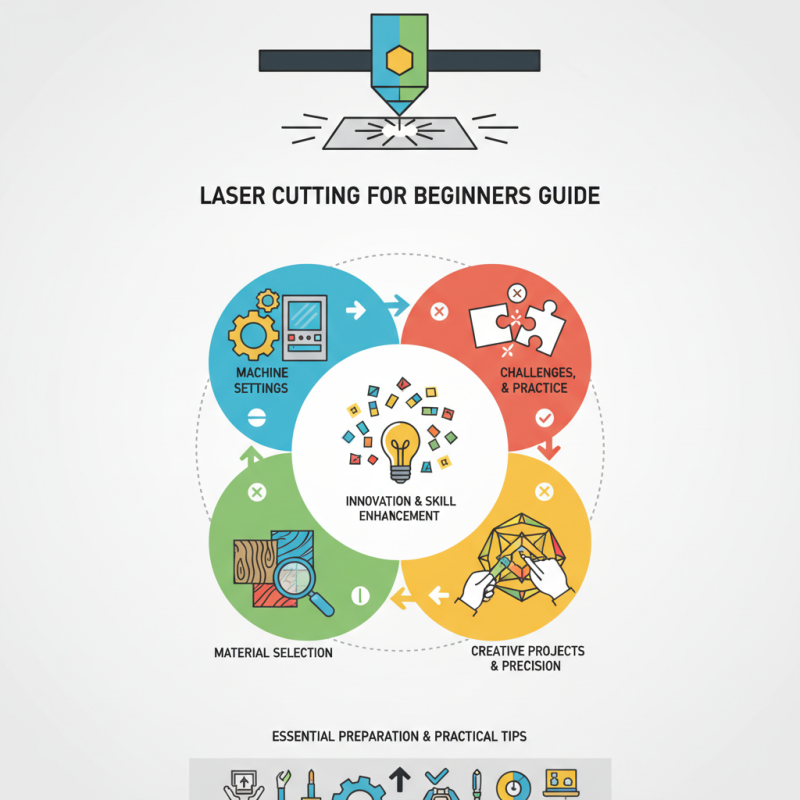
Expert David Wilson, a leader in laser technology innovations, states, “Laser Cutting is redefining design possibilities with unmatched accuracy.” Such advancements empower beginners to explore creative projects with precision. However, it's crucial to recognize that mastering laser cutting is not without challenges. Beginners may struggle with machine settings and material selection, requiring patience and practice.
Engaging in Laser Cutting opens a world of creativity, but it demands careful attention to detail. Each cut requires finesse, and mistakes can lead to material waste. Embracing this learning curve can enhance skills and inspire innovative designs. In this guide, we will navigate the basics of starting your journey into laser cutting, shedding light on essential preparation and practical tips.
Understanding the Basics of Laser Cutting Technology
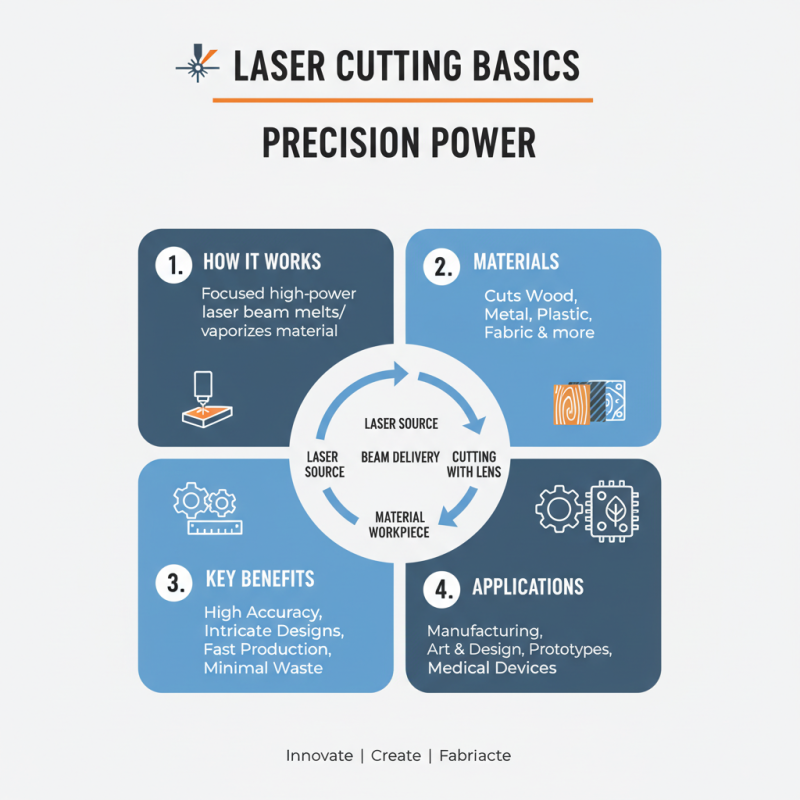
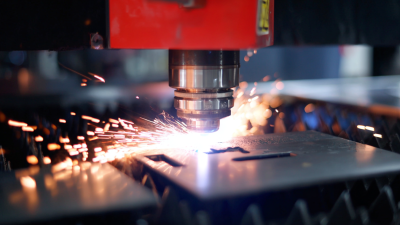
Laser cutting technology is an innovative technique used in various industries. Understanding the basics is essential for beginners. At its core, laser cutting involves using a high-powered laser to cut through materials. These can include wood, metal, plastic, and more. The laser beam is extremely focused, allowing for precision and detail in cuts.
Beginners often struggle with selecting the right materials and settings. Each material requires specific power and speed settings for optimal results. Experimentation is key, but it can lead to mistakes. For example, cutting too quickly may result in rough edges. Conversely, cutting too slowly might lead to burned materials.
It’s also important to grasp the safety aspects of laser cutting. Proper ventilation and protective gear are crucial. Many new users overlook these elements, focusing solely on the creative aspects. Understanding safety helps prevent accidents and ensures a productive cutting experience. As you dive into laser cutting, keep refining your techniques. Practice makes progress, and each project adds to your knowledge.
Choosing the Right Laser Cutting Machine for Your Needs
When selecting a laser cutting machine, clarity about your specific needs is crucial. Different projects require different capabilities. Standard models work well for basic tasks, but more complex jobs may need advanced features. You may want to cut materials like wood, acrylic, or metal. Each type has its own requirements, so consider what you'll work with most.
Don't overlook power. Higher wattage means faster cutting, but it also typically means higher costs. If you're just starting, a machine with lower power can still produce impressive results. You might find yourself frustrated later when wanting to tackle thicker materials. It's important to balance budget with capabilities.
Size is another factor. A small machine can fit in a home workshop, but limits your projects' scale. Space constraints can breed creativity, but don’t skimp on essential features. You may wish to expand your machine’s use over time. Evaluate your workspace and future needs carefully. In hindsight, what seemed like a perfect fit might limit your potential. Reflect on these factors before making a choice.
Essential Safety Precautions for Laser Cutting Beginners
When starting with laser cutting, safety is essential. Beginners must understand the risks involved. Protective eyewear is crucial; lasers can cause eye damage. Always wear appropriate gloves and clothing to protect your skin from heat and debris.
Workspace organization is vital. Clear surfaces prevent accidents. Keep flammable materials away from your laser cutting area. A well-ventilated space helps remove harmful fumes. Remember, improper ventilation can lead to health issues over time.
Also, check your equipment regularly. Faulty machinery can pose serious dangers.
Understanding the materials you are cutting is important. Some substances release toxic fumes when lasered. Research each material beforehand. Mistakes can be costly and dangerous. Even experienced users encounter challenges.
Reflect on your practices to improve safety and skills. Every lesson learned is a step towards mastery.
Materials Suitable for Laser Cutting: A Comprehensive Guide
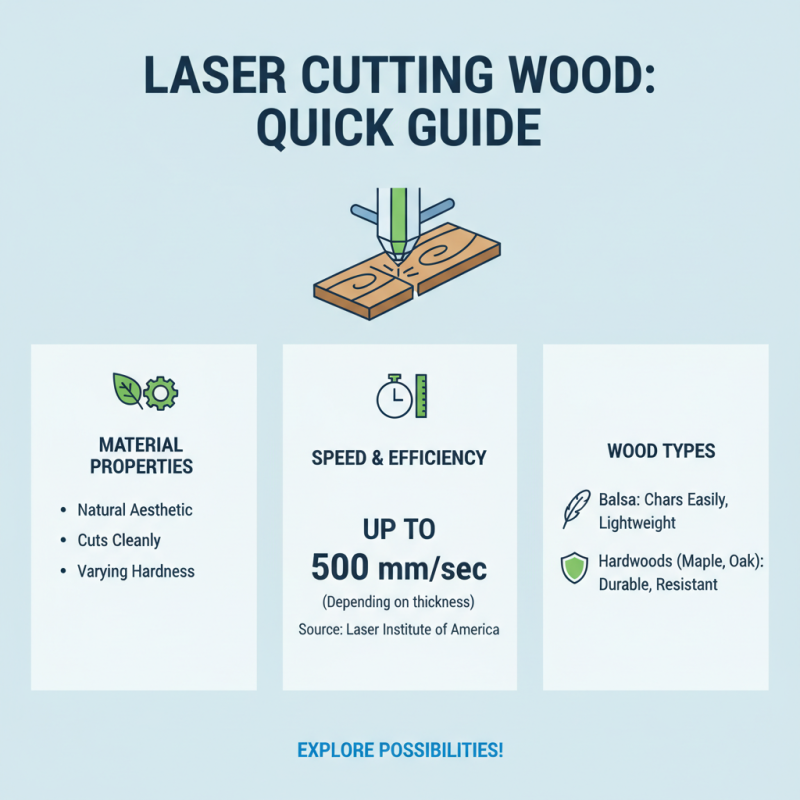
When exploring materials suitable for laser cutting, it's important to understand their unique properties. Wood is a popular choice, as it cuts cleanly and offers a natural aesthetic. According to a report from the Laser Institute of America, wooden materials can be processed at speeds of up to 500 mm/sec, depending on thickness. However, different wood types behave differently; some, like balsa, can char easily, while hardwoods offer more durability.
Acrylic is another favored option. It can be cut with precision and comes in various colors. Research shows that acrylic can achieve a high level of detail, particularly when laser cut at specific power settings. It's worth noting, though, that thicker acrylic requires more power and can lead to melting issues. This can be frustrating for beginners aiming for a polished finish.
Metals, including anodized aluminum and stainless steel, are increasingly used in laser applications. However, cutting metals can be more challenging and demands higher equipment investment. A survey indicates that about 40% of beginners initially struggle with metal cutting due to insufficient power settings or focus issues. This learning curve highlights the importance of experimenting with settings and materials to achieve the desired results.
Preparing Your Designs: Software and File Formats for Laser Cutting
Preparing your designs for laser cutting is a crucial step. The right software and file formats make a big difference. Many beginners struggle with compatible file types.
Common formats include SVG, DXF, and AI. Each has its strengths. SVG is great for vector graphics. DXF works well with CAD software. AI files often retain detailed designs.
Consider this: according to industry reports, about 70% of new users face design issues. Unsuitable formats can lead to wasted materials and time. Proper preparation is essential. Don’t rush the design phase. Test your files with different software. This can save headaches later.
Tip: Always check your design's scale. Many users forget this simple detail. Scaling errors are a frequent issue. If the size is off, the cut won't be correct. Another tip is to simplify your designs. Complex files can overwhelm the laser cutter. Keeping designs straightforward can improve final results. Aim for clarity and simplicity.